

Video Wall Live is now on Android tablets and phones
Your Ring cameras have been on the TV, the computer and in the browser. Today they’re on the tablet on your kitchen counter. Video Wall Live for Android is on Google Play now, for tablets and phones: every Ring camera and doorbell live on one screen you can touch.
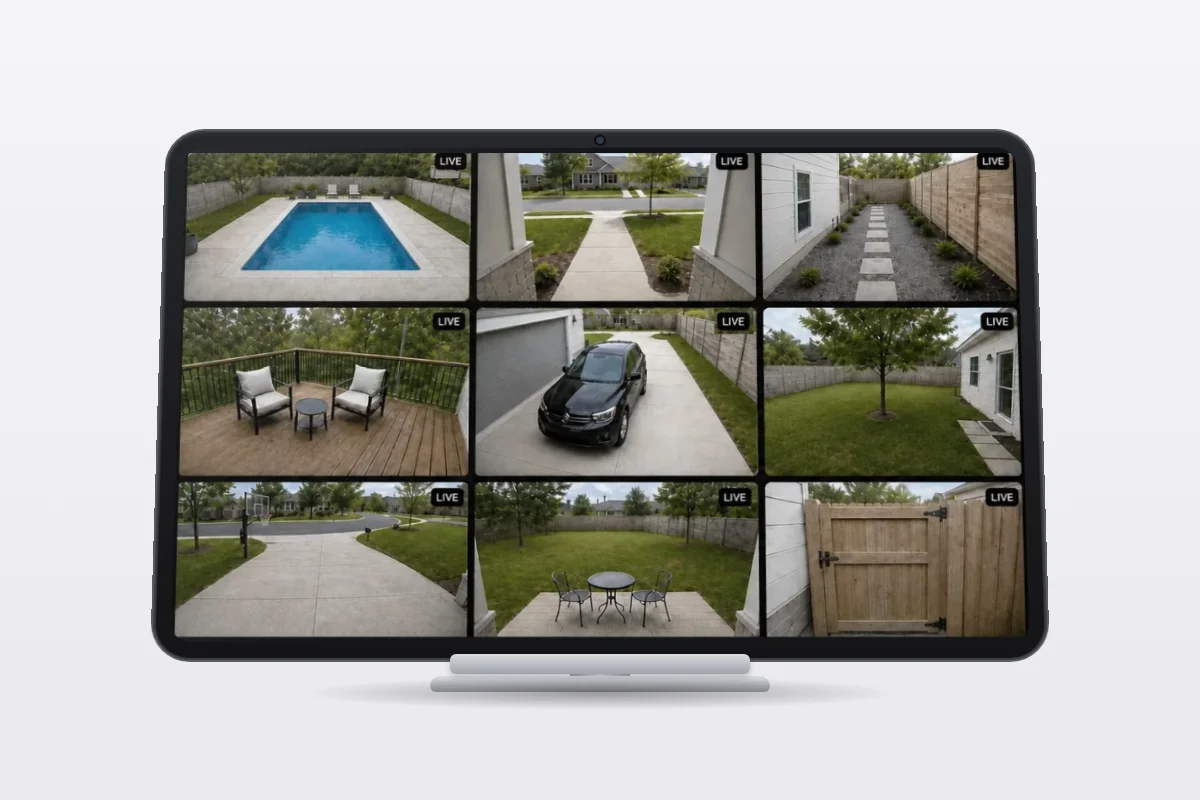
It’s the same wall as the TV apps — every camera live at once, Grid or a large-camera layout, Auto-Cycle, History, and the clock, weather and Activity widgets — rebuilt for fingers. Tap a camera to open it full screen, pinch to zoom, swipe to the next one. Hold a camera and drag it to move it, or double-tap to make it the large one.
A security monitor on your wall
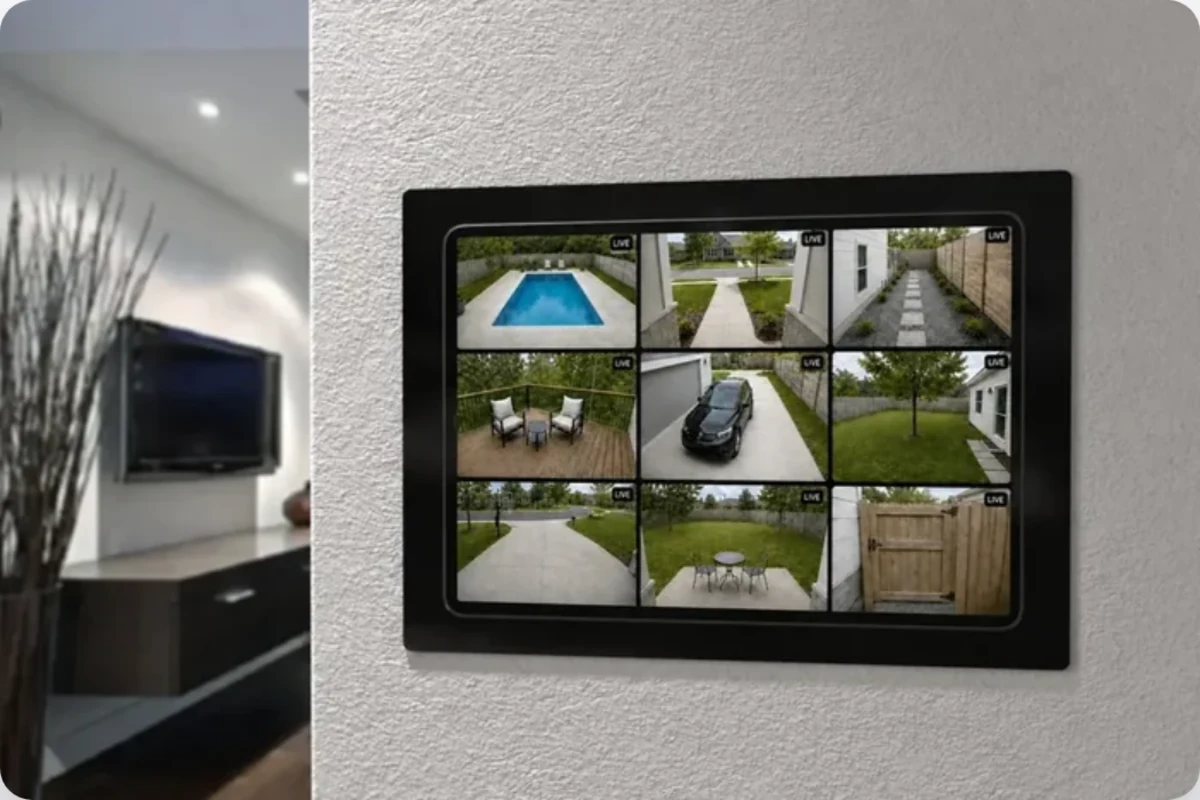
A tablet is the easiest screen to put where you need one: on a stand by the stove, on the nightstand, or mounted by the front door. Kiosk mode is made for that. It keeps the screen on and the wall up, can start the app when the tablet turns on, can pin the app to the screen, and dims at night on a schedule. An old tablet in a drawer becomes a camera monitor that looks after itself.
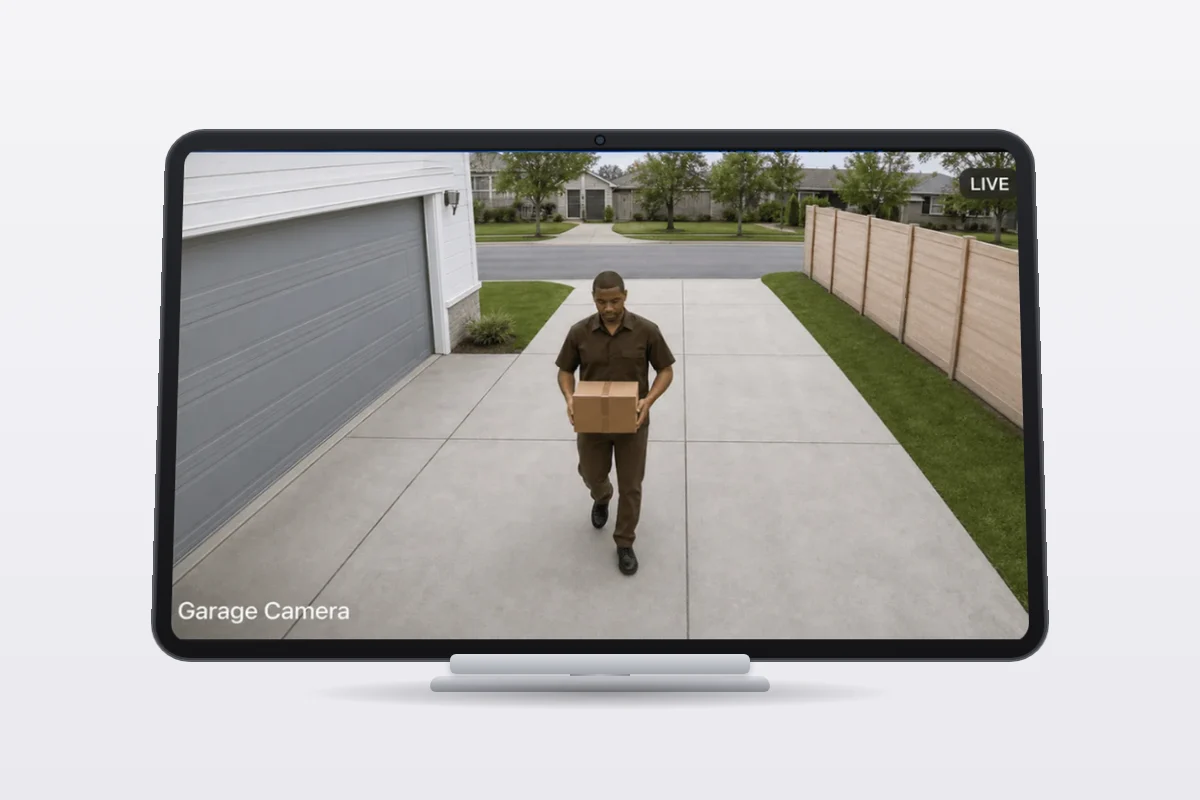
The doorbell opens by itself
Turn on Doorbell ring opens the camera and the doorbell fills the screen when someone rings, then the wall comes back. Motion can do the same for the cameras you pick. Both work while the app is open, which on a kiosk tablet is all the time.
And on your phone
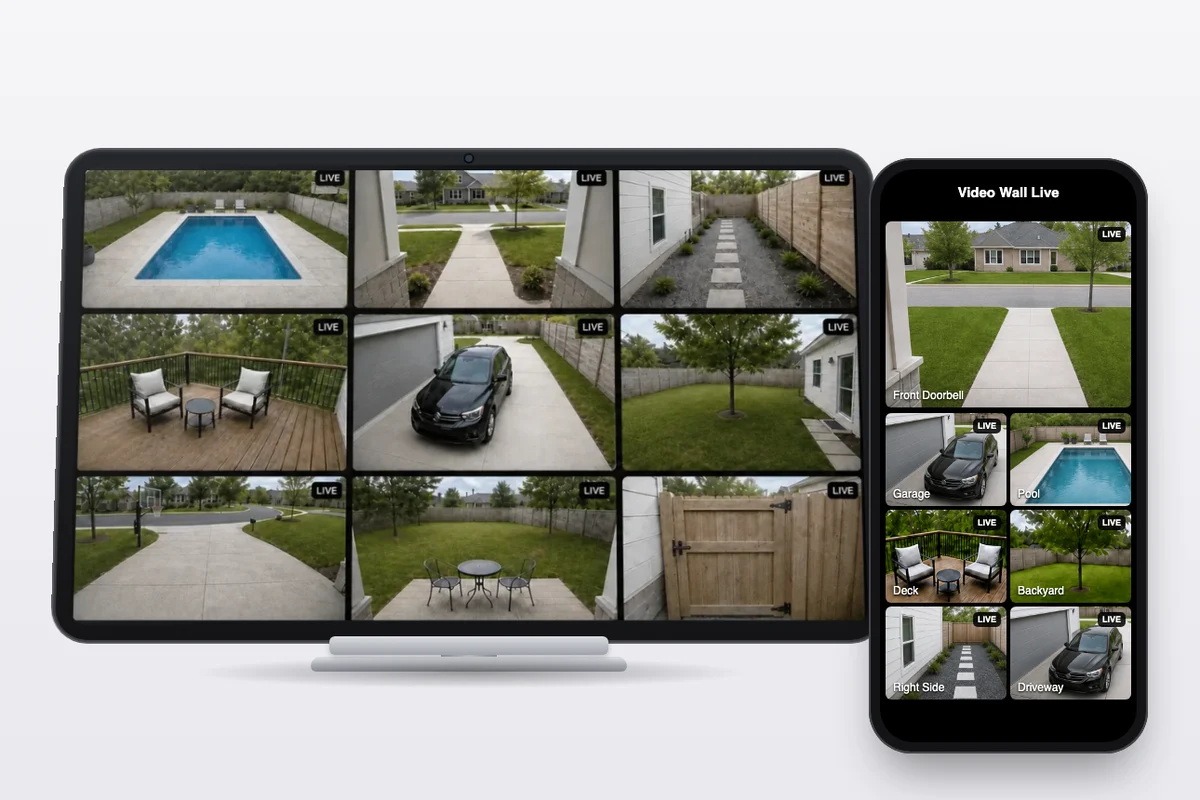
The same app runs on Android phones. The wall turns with the phone, a live camera can keep playing in Picture in Picture when you switch apps, and home screen widgets show the latest picture from one camera or four.
Getting it
It’s free on Google Play, listed as Video Wall for Ring: Mobile, for any tablet or phone on Android 9 or later. You need a Ring account with a Ring Protect plan and the Video Wall Live subscription from the Ring Appstore. That one plan covers every TV, computer, tablet and browser, so if you already watch on a TV, install it, sign in with your Ring email and your cameras are there. New? The first 30 days are free, and the Android setup guide walks through it.
The Android page has the full tour. Setting up a television instead? Google TV and Android TV have their own app.
New features, new platforms and tips for your wall, about once a month. Unsubscribe anytime.