

Your Ring doorbell and cameras
on any TV.
Every camera and doorbell you own, live on one screen — smart TV or not, new or old. All it needs is a streaming device in an HDMI port.
Free for 30 days, then $1.99/month per camera. Cancel anytime.
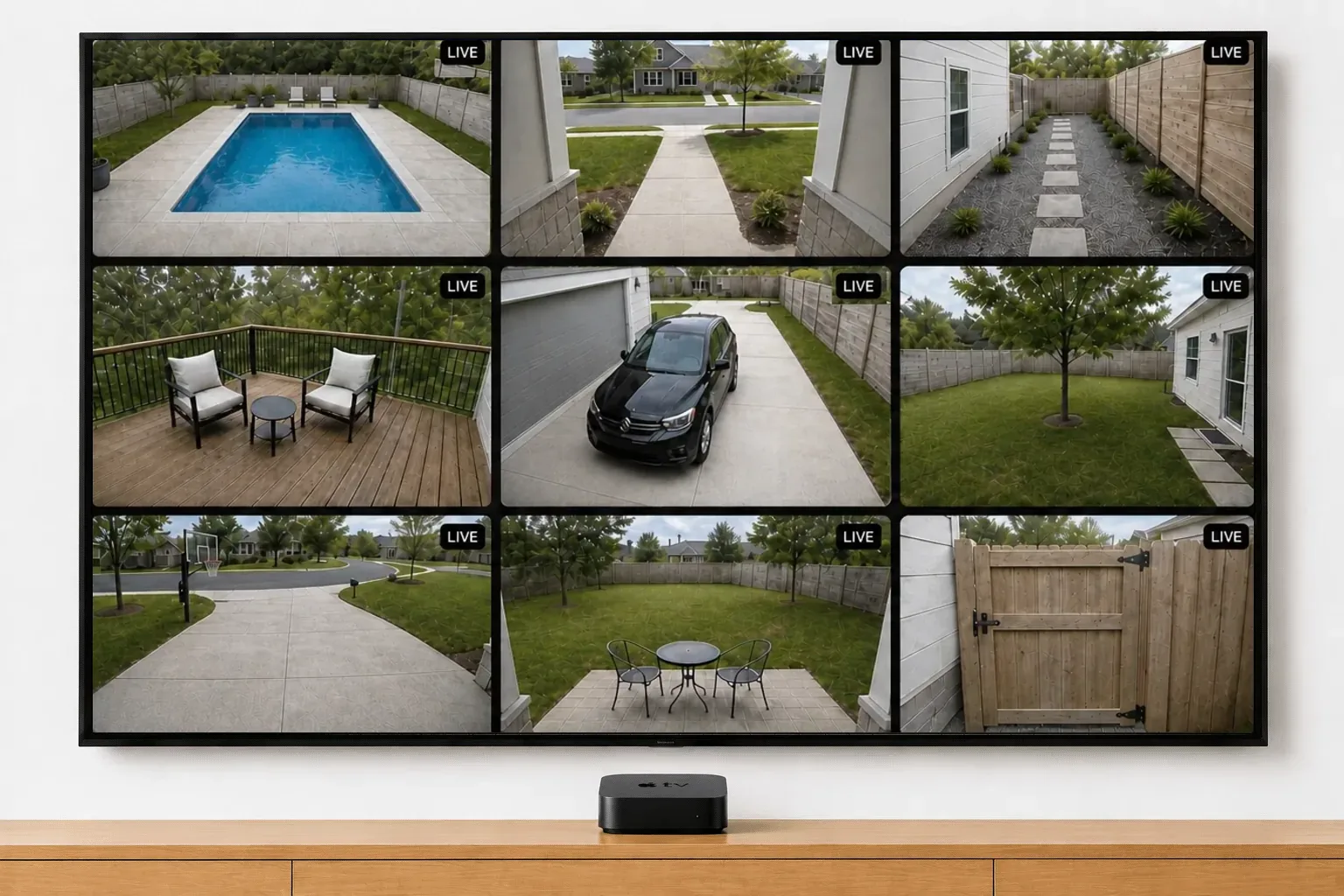
Any TV, plus a streaming device. Apple TV, Fire TV, Google TV, or Roku — that’s all you need.
Ring doesn’t make a smart TV app. Neither does any TV brand. Video Wall does, and it’s available in the Ring Appstore.
Built in already
The streaming platform is inside the TV.
- Fire TV Edition: Omni, Toshiba, Insignia
- Google TV: Sony, TCL, Hisense, Philips
- Roku TV: TCL, Hisense, Onn
Or plug one in
Any spare HDMI port takes one.
- Apple TV, Fire TV Stick, Roku, Chromecast
- Samsung, LG, Vizio — any brand
- Nothing changes on the TV itself
- A ten-year-old set works the same
Either way
The wall is identical on every one of them.
Live, all at once, on the big screen.
Find your TV.
Samsung, LG or Vizio? Two ways, neither involving the TV’s own software. Open the TV’s web browser and go to app.videowalllive.com — nothing to buy. Or plug an Apple TV, Fire TV Stick, Roku or Chromecast into a spare HDMI port and install Video Wall there, which also works on sets too old for the browser route.
How to view your Ring doorbell and cameras on a TV.
Three steps, about five minutes, nothing changes on the TV itself.
Check what your TV runs
A Fire TV, Roku, or Google TV set (Sony, TCL, Hisense, Philips) runs Video Wall directly. A Samsung, LG or Vizio needs a streamer — a Fire TV Stick, Roku, Chromecast, or Apple TV in any HDMI port.
Install Video Wall
Download Video Wall from the Amazon Appstore, Google Play, the Roku Channel Store, or the Apple App Store, depending on the device.
Pair with Ring
Open it and the TV shows an 8-character code. Enter it on your phone to link your Ring account, and every camera and doorbell appears live.
The streamers we recommend
All four platforms run Video Wall and the wall looks the same on each. What changes is how many cameras stay smooth at once, so these are the ones we’d suggest — fastest first.
Our scores, out of 10 — performance is how many cameras stay smooth at once, value is what you get for the money.
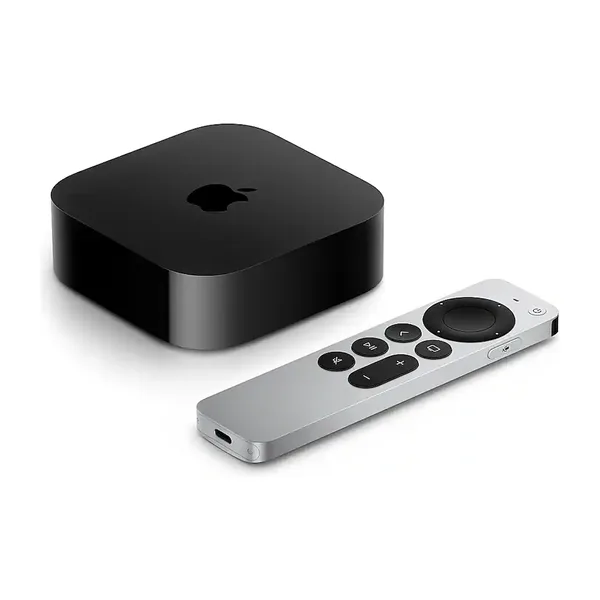 Apple TV 4K (4th generation)Pre-order · Nov 13Our pickThe newest and most powerful box here — holds the most cameras smoothly and sits closest to live.9.5Performance6.5ValueView on Amazon ↗
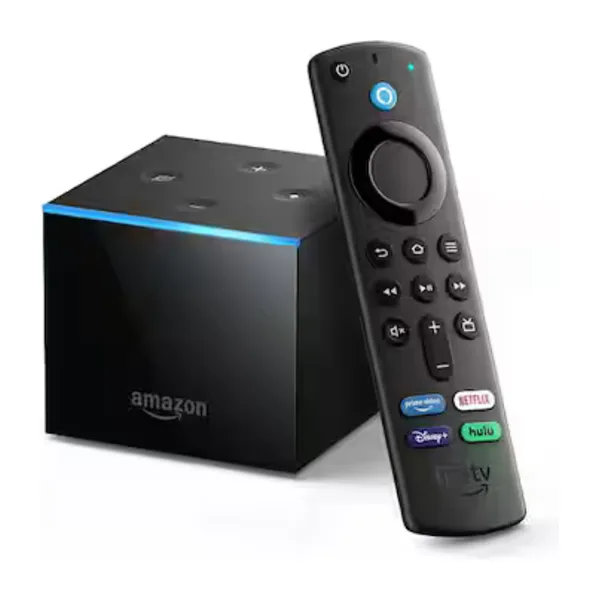 Fire TV CubeAmazon's fastest, with Alexa built in. Comfortable with a full wall.9.0Performance7.0ValueView on Amazon ↗
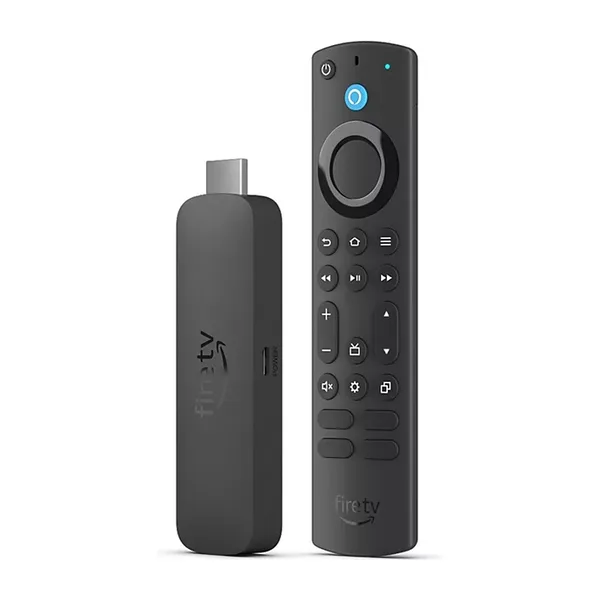 Fire TV Stick 4K MaxThe quickest Fire TV stick — a good middle if the Cube is more than you need.8.0Performance8.5ValueView on Amazon ↗
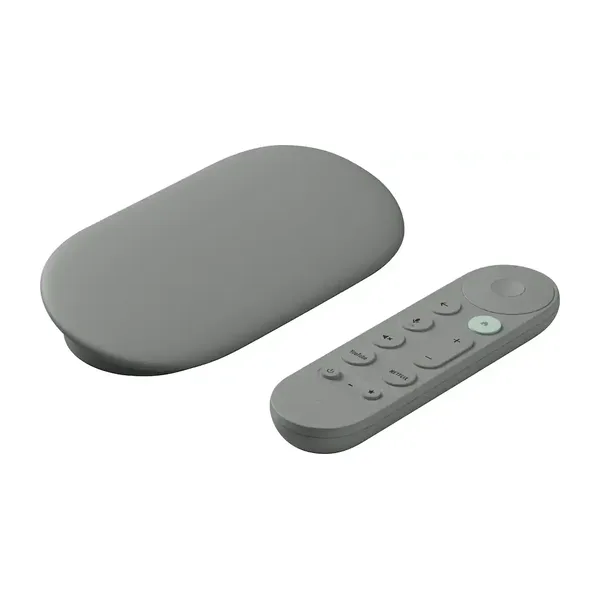 Google TV Streamer 4KThe pick for a Google household, and the successor to the Chromecast.7.5Performance7.5ValueView on Amazon ↗
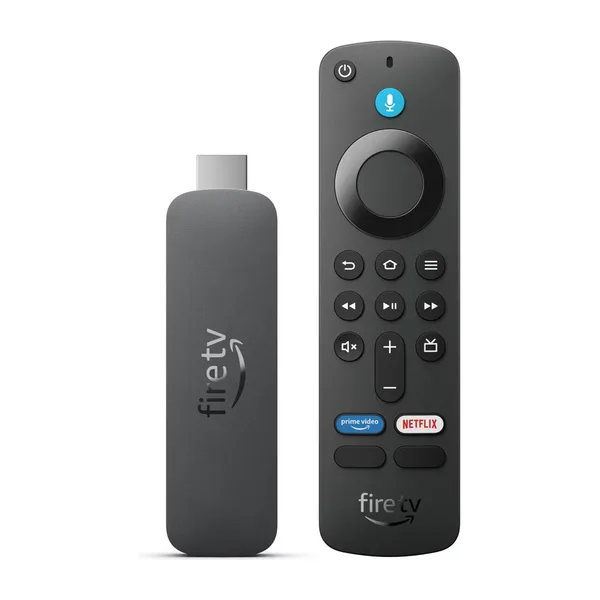 Fire TV Stick HDThe least expensive way in. Fine for a handful of cameras on an HD set.6.0Performance9.5ValueView on Amazon ↗
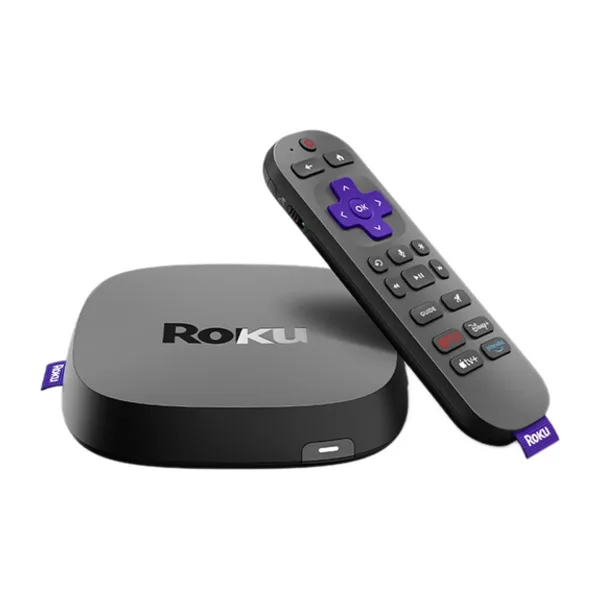 Roku UltraRoku's fastest — wired Ethernet and Wi-Fi 6, and the one to pick for a full wall on Roku.7.0Performance7.0ValueView on Amazon ↗
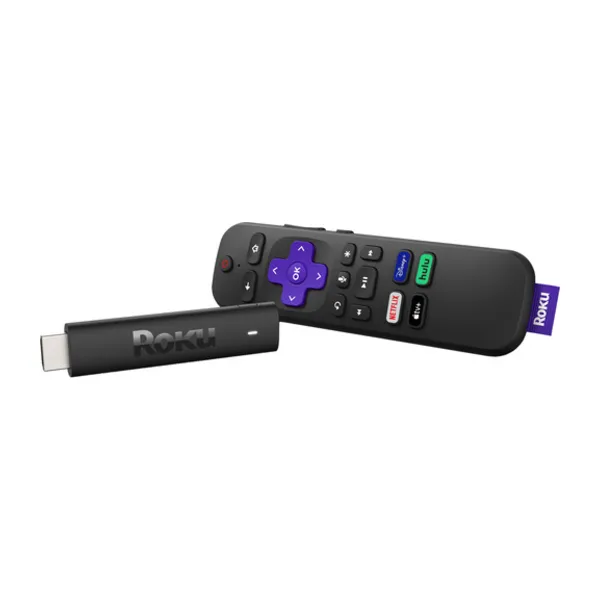 Roku Streaming Stick HDRoku's entry stick — cheap and simple, and a few seconds behind live.5.5Performance9.0ValueView on Amazon ↗
As an Amazon Associate we earn from qualifying purchases.
Common questions.
How do I connect Ring to my Samsung TV?
Can I watch my Ring doorbell on an LG TV?
Which streamer should I buy?
Is there a Ring app for smart TVs?
Can I view my Ring doorbell on my TV?
Does Ring work with Fire TV?
Can I see my Ring camera on a Roku TV?
Does my TV need to be new?
Every camera.
The big screen.
Video Wall integrates with Ring devices and is available in the Ring Appstore.
Free for 30 days, then $1.99/month per camera. Cancel anytime.