Video Wall
Compare

The only Ring video wall
for Fire TV.

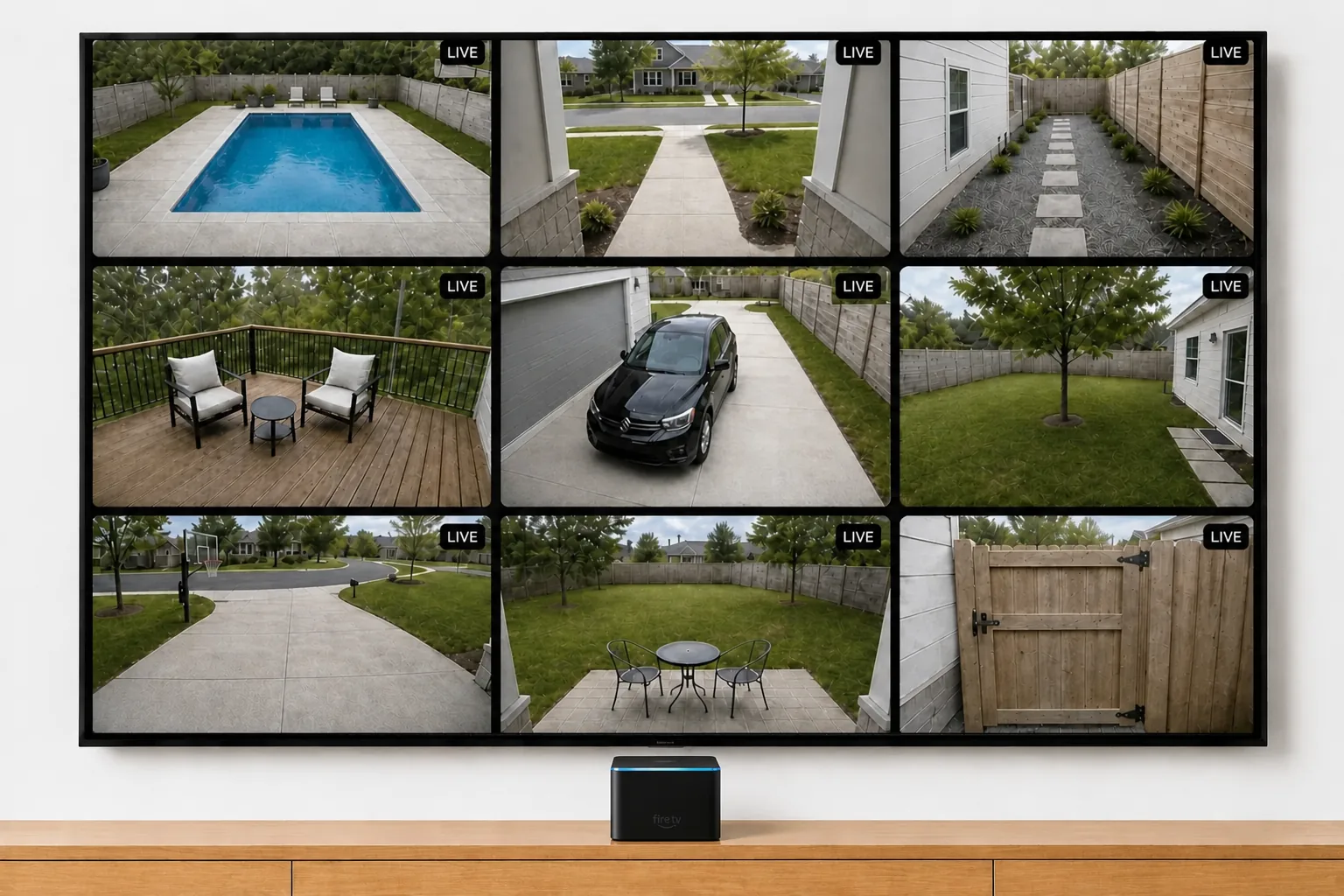
Fire TV can already show a Ring camera — one at a time, when you ask Alexa, until it times out. Video Wall puts every camera on screen at once and keeps them there.

Fire TV has real Ring support built in — and it’s worth being clear about what it does. Say “Alexa, show the front door” and the camera appears, full screen or picture-in-picture, with two-way talk through the remote. For a quick glance when the doorbell rings, it’s genuinely good.

But that’s where it ends. Alexa shows one camera at a time, only when you ask, and the live view shuts itself off after a few minutes. There’s no grid, no way to keep a wall of cameras on the screen, no event history to browse from the couch, and no layout to arrange. It’s a peephole, not a control room.

Video Wall is the only app on Fire TV that does the rest: every Ring camera in one live grid that stays on 24/7, fullscreen with audio on any feed, Auto-Cycle to flip through cameras for you, and each camera’s recent events a click away. It’s the same app Ring reviewed and approved for its App Store on Apple TV — now native on Fire OS.

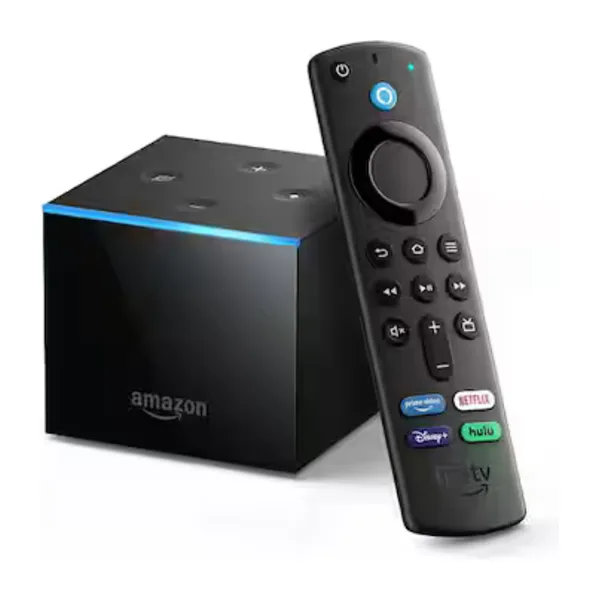
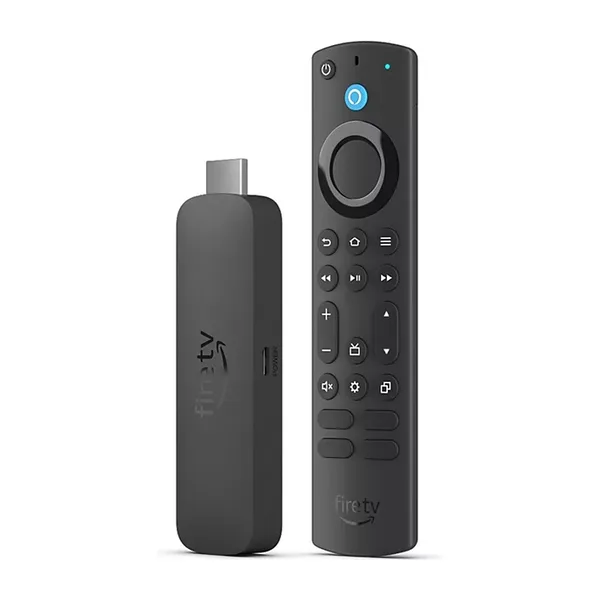
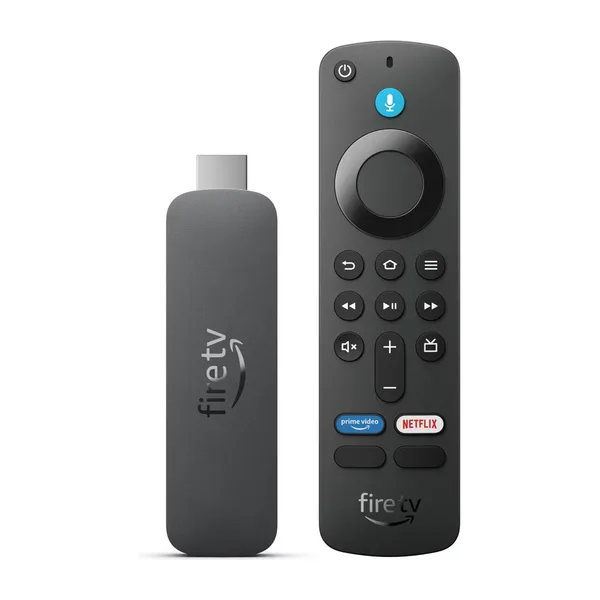
If your TV is a Fire TV Edition — Amazon Omni, Toshiba, Insignia — Video Wall runs on the TV itself, no extra box. On any other TV, a Fire TV Stick turns the HDMI port into a camera wall.

How they compare

Video Wall against Fire TV’s built-in Alexa live view and mirroring from a phone, feature by feature.

Video WallAlexa live viewPhone mirroring
All cameras at onceLive grid of every cameraOne camera at a timeOne feed — whatever your phone shows
Stays on the screenA wall that stays up 24/7Live view times out after minutesStops when the phone sleeps
How you open itOpen the app onceAsk Alexa for each camera, every timeStart a mirror by hand each time
Event history on the TVBrowse each camera's eventsLive view onlyOnly what you tap on the phone
Auto-CycleFlips through cameras for youNot availableNot available
Choose cameras & orderArrange your wallNo layout at allNone
Battery-camera friendlyAuto mode protects batteriesStreams drain on every viewSame as the phone app
Two-way talkListen only — no talk-backVia the Alexa remoteThrough the Ring app
Approved by Ring for its App StoreYesBuilt in by AmazonNo
All cameras at once
Video WallLive grid of every camera
Alexa live viewOne camera at a time
Phone mirroringOne feed — whatever your phone shows
Stays on the screen
Video WallA wall that stays up 24/7
Alexa live viewLive view times out after minutes
Phone mirroringStops when the phone sleeps
How you open it
Video WallOpen the app once
Alexa live viewAsk Alexa for each camera, every time
Phone mirroringStart a mirror by hand each time
Event history on the TV
Video WallBrowse each camera's events
Alexa live viewLive view only
Phone mirroringOnly what you tap on the phone
Auto-Cycle
Video WallFlips through cameras for you
Alexa live viewNot available
Phone mirroringNot available
Choose cameras & order
Video WallArrange your wall
Alexa live viewNo layout at all
Phone mirroringNone
Battery-camera friendly
Video WallAuto mode protects batteries
Alexa live viewStreams drain on every view
Phone mirroringSame as the phone app
Two-way talk
Video WallListen only — no talk-back
Alexa live viewVia the Alexa remote
Phone mirroringThrough the Ring app
Approved by Ring for its App Store
Video WallYes
Alexa live viewBuilt in by Amazon
Phone mirroringNo

Alexa live-view behavior varies by Fire TV model and camera. Video Wall requires an active Ring Protect plan.

Why people add Video Wall to Fire TV

A wall, not a peephole

Alexa answers one question: "who's at the door?" Video Wall answers the bigger one — what's happening everywhere — with every camera live in a grid that stays on.

No voice commands, no timeouts

Open the app once and it stays up. No asking Alexa for each camera, no live view quietly shutting off while your back is turned.

Works with the Fire TV you own

Native on Fire TV Sticks, Cubes, and Fire TV smart TVs like Omni, Toshiba, and Insignia. One Ring account covers every TV in the house.

Give your Fire TV the full wall.

Get Video Wall from the Amazon Appstore — $1.99/month per camera, billed through Ring. Click through and Amazon delivers it to your Fire TV.

30-day free trial · cancel anytime

DOWNLOAD ON
On Apple TV instead? See how Video Wall compares there →
Ring on Fire TV — Video Wall vs Alexa's Built-in Live View — Video Wall Live