

Compare · Google TV
Every Ring camera
on your Google TV.
Every Ring camera and doorbell, live on the big screen — in about two minutes. Ring‑approved and certified.
Free for 30 days, then $1.99/month per camera. Cancel anytime.
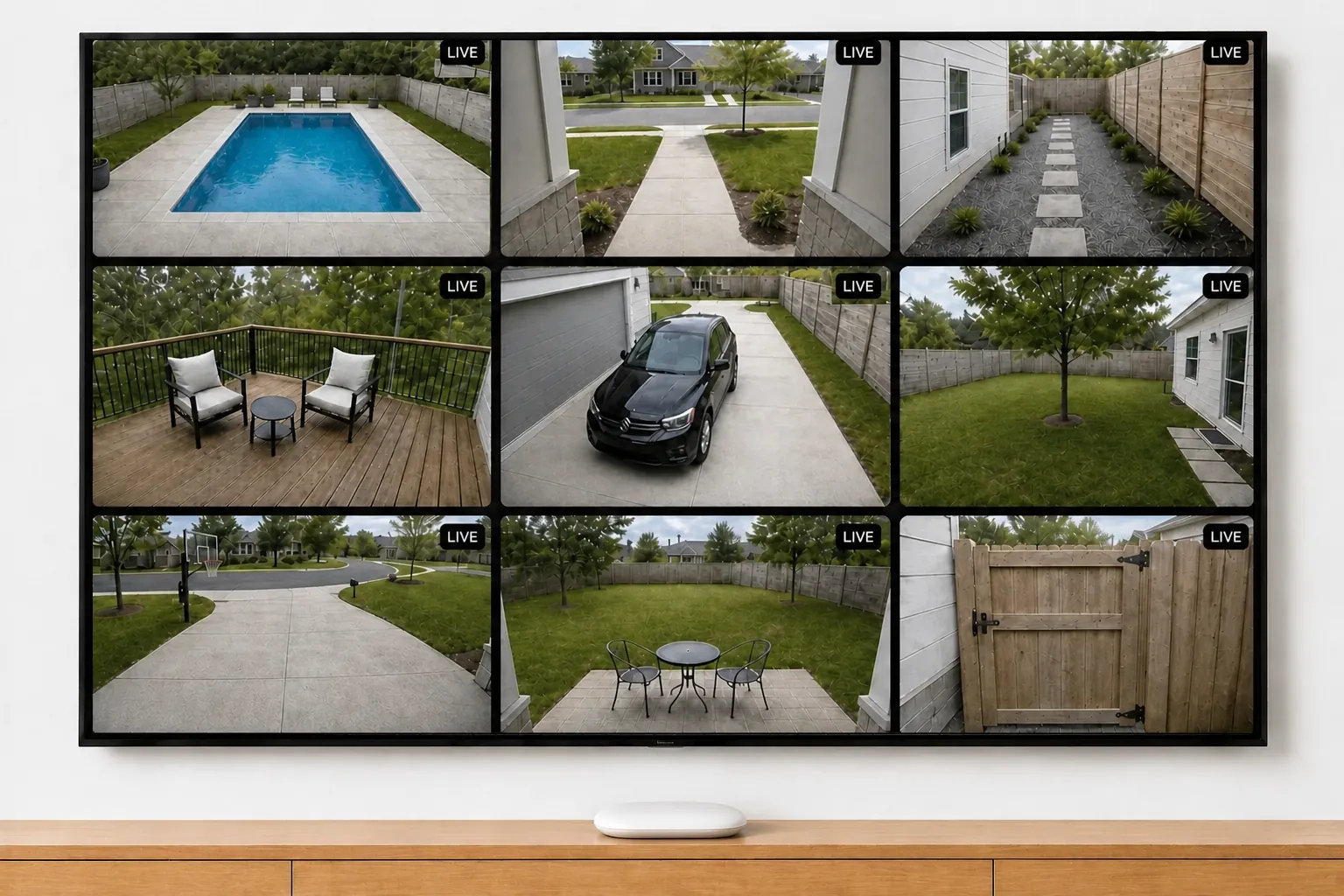
This is the whole setup. A Google TV streamer, and the app.
There are three ways to watch Ring cameras on a Google TV. Two show one camera at a time. Ours shows them all.
1
Google Assistant
Built in — ask out loud, get one camera.
- One camera at a time
- Times out after a few minutes
- Only if it hears the right name
- No grid, no history
2
Casting from a phone
Beaming the Ring app from your phone.
- Your phone, kept awake
- Stops when it sleeps or rings
- One feed — whatever the phone shows
3
Video Wall Live
An app from Google Play.
The Google TV you own.
That’s the whole list.
Side by side.
Video Wall
Google Assistant
Casting
Cameras on screen
All of them
One at a time
One feed
Stays up
24/7
Minutes, then times out
Until the phone sleeps
How you open it
Open the app once
Ask out loud, every time
Start a cast by hand
Auto-Cycle
Built in
No
No
Battery cameras
Close to live
Drains on every view
Same as the phone
Choose cameras & order
Arrange your wall
No layout
None
Event history on TV
Built in
Live view only
Only what you tap
Setup
2 minutes
Built in
Every time
Common questions.
Is there a Ring app for Google TV?
Not from Ring. Video Wall is the app, on Google Play — install it on the TV, or from the web listing on your phone and pick the device. Open it and the screen shows an 8-character code you enter on your phone to link your Ring account.
Is Google TV the same as Android TV?
For this, yes. Google TV is the newer interface sitting on top of Android TV, and both install from the same Google Play listing — so if your device runs Android 7.1 or later, it runs Video Wall whichever name is on the box.
Which Google TV and Android TV devices work?
Google TV sets from Sony, TCL, Hisense and Philips; the Chromecast with Google TV and the Google TV Streamer that replaced it; and Android TV boxes including the Nvidia Shield. On a TV with no smart platform of its own, a streamer in an HDMI port gives you the same wall.
Can’t Google Assistant already show my cameras?
One at a time, by voice, and only when it recognises the name you gave that camera — rename it in the Ring app and the phrase you were using stops working. The two coexist happily: ask Assistant for a glance, open Video Wall for the whole wall.
The Google TV we recommend
Goes in an HDMI port on any TV you already own, and runs the whole wall.
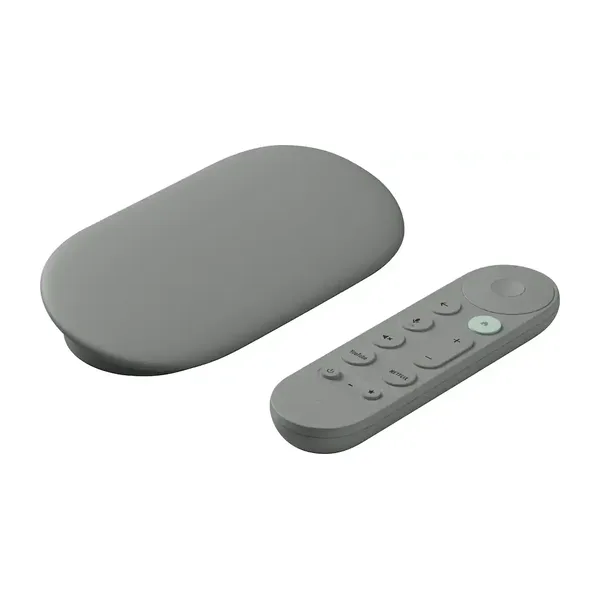
As an Amazon Associate we earn from qualifying purchases.
Every camera.
The big screen.
Video Wall is the only multi‑camera viewer Ring has reviewed and approved for Google TV and Android TV.
Free for 30 days, then $1.99/month per camera. Cancel anytime.