

Compare
Ring on your TV.
Pick your platform.
Every platform has some built-in way to see a Ring camera, and every one of them shows you exactly one. Pick yours to see what it does, what it doesn’t, and where Video Wall fits.
Ring on Apple TVRing makes no Apple TV app, so the alternatives are a Homebridge server or mirroring from a Mac — both extra hardware you buy and maintain.See the comparison →Ring on Fire TVAlexa can show one Ring camera when you ask, then times out. No grid, no wall that stays up, no event history.See the comparison →Ring on Google TVGoogle Assistant can pull up one camera by voice, when it recognises the name. One at a time, and it shuts itself off.See the comparison →Ring on RokuGetting Ring on a Roku has meant mirroring your phone — one camera, for as long as the phone stays awake and nobody calls.See the comparison →Ring on your MacRing has no Mac app. Its website shows a few cameras in a tab that signs you out and times out, and a Homebridge server is a weekend project. Ours is an app from the Mac App Store.See the comparison →Ring on your Windows PCRing retired its Windows app. Its website shows a few cameras in a tab that signs you out. Ours is an app from the Microsoft Store: every camera at once, floating windows and notifications.See the comparison →Web BrowserRing on any screenNo streaming device? Ring’s own routes on a computer or tablet cap how many cameras you can watch. Video Wall runs the whole wall in a browser tab — nothing to install.See the comparison →
The streamers we recommend
All four platforms run Video Wall and the wall looks the same on each. What changes is how many cameras stay smooth at once, so these are the ones we’d suggest — fastest first.
Our scores, out of 10 — performance is how many cameras stay smooth at once, value is what you get for the money.
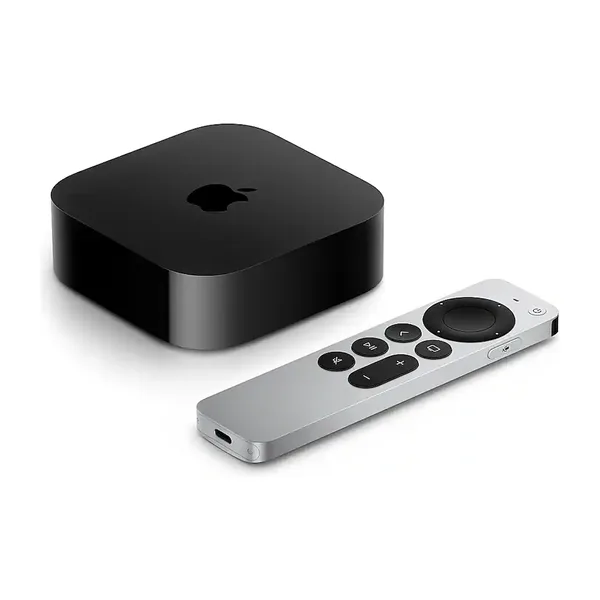 Apple TV 4K (4th generation)Pre-order · Nov 13Our pickThe newest and most powerful box here — holds the most cameras smoothly and sits closest to live.9.5Performance6.5ValueView on Amazon ↗
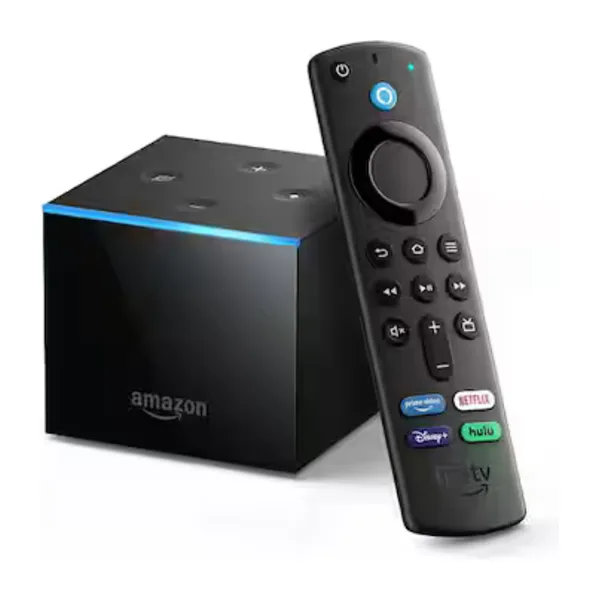 Fire TV CubeAmazon's fastest, with Alexa built in. Comfortable with a full wall.9.0Performance7.0ValueView on Amazon ↗
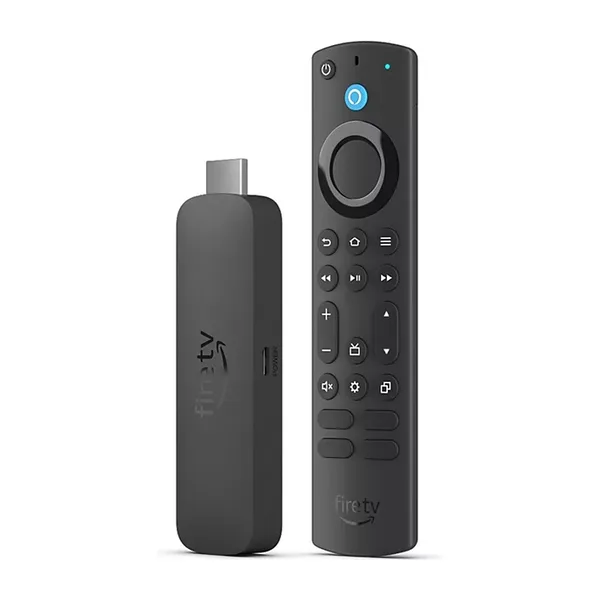 Fire TV Stick 4K MaxThe quickest Fire TV stick — a good middle if the Cube is more than you need.8.0Performance8.5ValueView on Amazon ↗
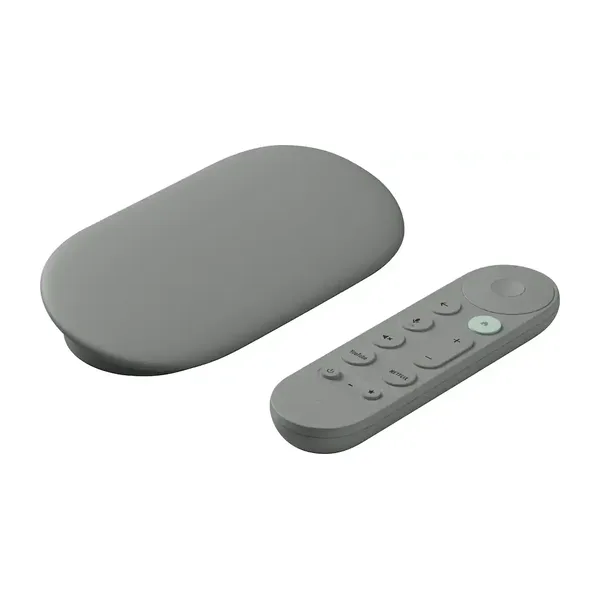 Google TV Streamer 4KThe pick for a Google household, and the successor to the Chromecast.7.5Performance7.5ValueView on Amazon ↗
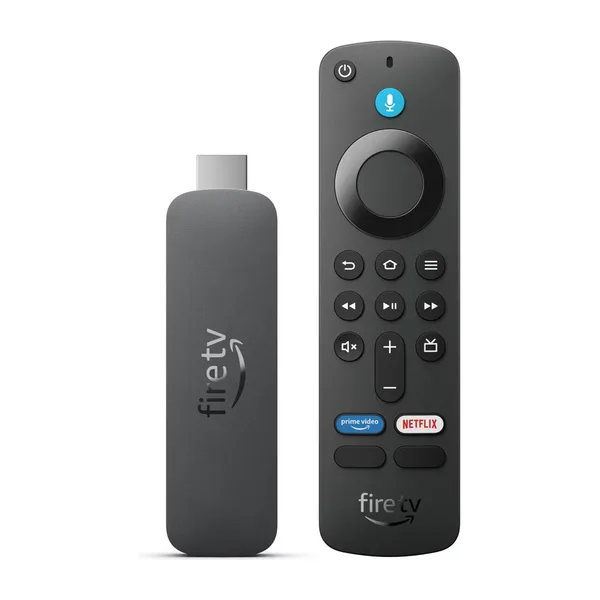 Fire TV Stick HDThe least expensive way in. Fine for a handful of cameras on an HD set.6.0Performance9.5ValueView on Amazon ↗
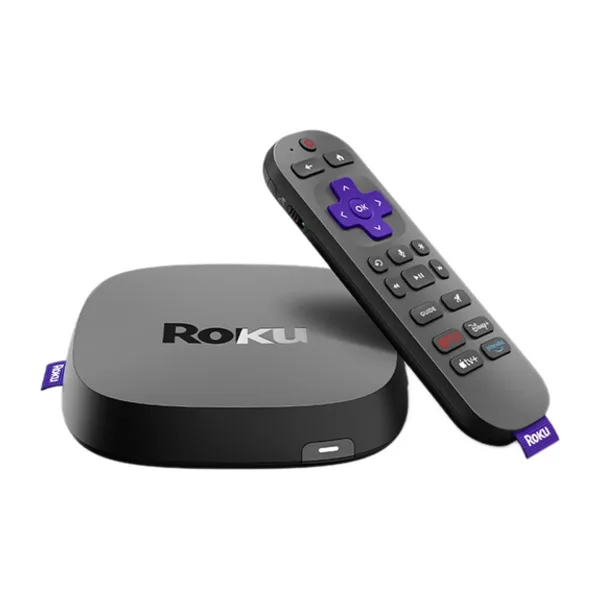 Roku UltraRoku's fastest — wired Ethernet and Wi-Fi 6, and the one to pick for a full wall on Roku.7.0Performance7.0ValueView on Amazon ↗
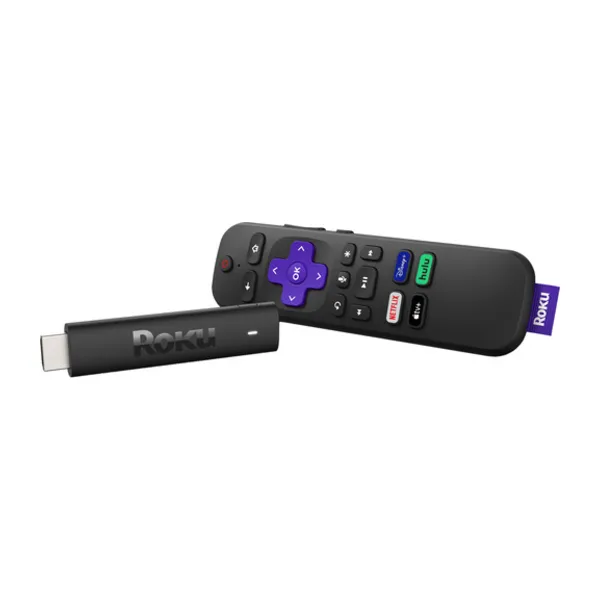 Roku Streaming Stick HDRoku's entry stick — cheap and simple, and a few seconds behind live.5.5Performance9.0ValueView on Amazon ↗
As an Amazon Associate we earn from qualifying purchases.
Already know which one?
Free to download. Up to 10 TVs on one Ring account, and you can mix platforms across them.