

Every Ring camera,
on your Roku.
Cameras and doorbells, live on the big screen — in about two minutes. Available in the Ring Appstore.
Free for 30 days, then $1.99/month per camera. Cancel anytime.
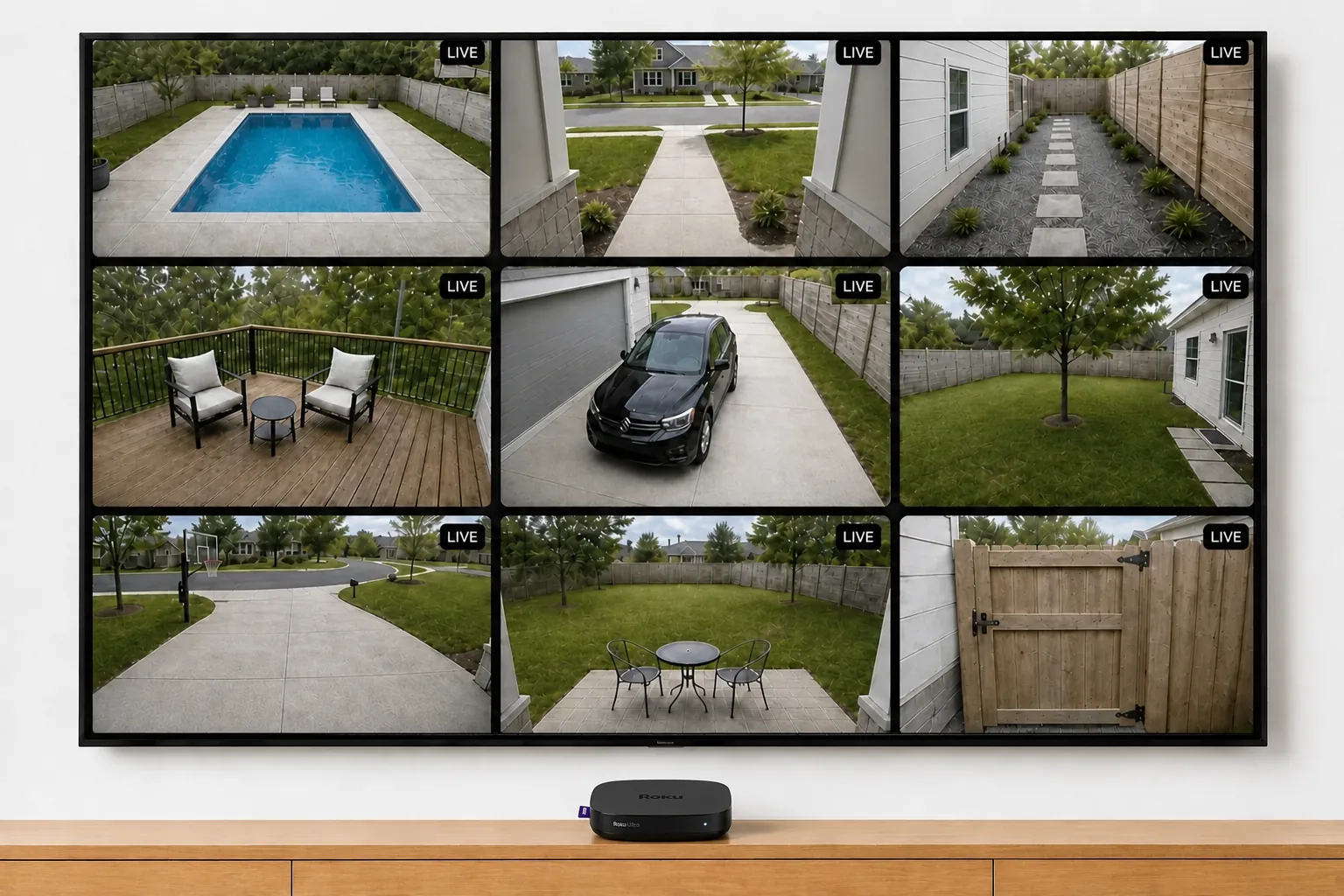
This is the whole setup. A Roku, and the channel.
There are three ways to watch Ring cameras with a Roku. Two tie up your phone. Ours lives on the TV.
Mirroring your phone
Beaming your phone’s screen to the TV.
- Your phone, kept awake
- Started by hand, every time
- Stops when it sleeps or rings
- One feed — whatever the phone shows
Watching on your phone
The Ring app, on a six-inch screen.
- One camera at a time
- In your hand, not on the wall
- Nothing stays up
Video Wall Live
A channel from the Roku Channel Store.
That’s the whole list.
Side by side.
Worth knowing: Roku runs a few seconds behind live. Roku’s hardware is less powerful than an Apple TV or a Google TV box, and holding several camera streams at once is demanding work — the wall typically sits a few seconds behind live. That’s the hardware, not a fault.
Common questions.
Is there a Ring app for Roku?
How do I install it on my Roku TV?
Which Roku devices work?
Why is my Roku a few seconds behind live?
The Rokus we recommend
Any of these runs Video Wall well — what changes is how many cameras stay smooth at once.
Our scores, out of 10 — performance is how many cameras stay smooth at once, value is what you get for the money.
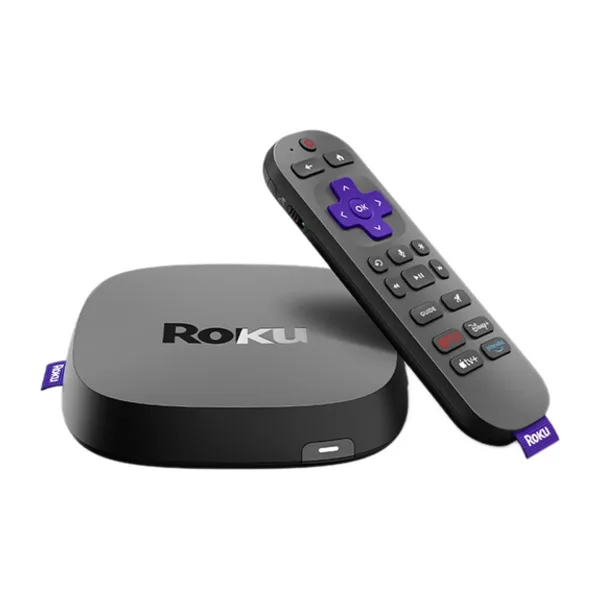 Roku UltraRoku's fastest — wired Ethernet and Wi-Fi 6, and the one to pick for a full wall on Roku.7.0Performance7.0ValueView on Amazon ↗
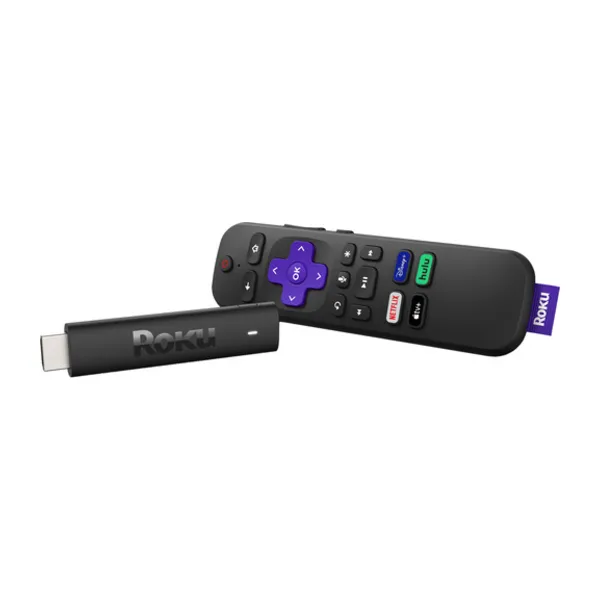 Roku Streaming Stick HDRoku's entry stick — cheap and simple, and a few seconds behind live.5.5Performance9.0ValueView on Amazon ↗
As an Amazon Associate we earn from qualifying purchases.
Every camera.
The big screen.
Video Wall integrates with Ring devices and is available in the Ring Appstore.
Free for 30 days, then $1.99/month per camera. Cancel anytime.