

Video Watch Live: your wall, now on your wrist
Your cameras have lived on the TV for a while now. Today they fit on your wrist too. Video Watch Live is our new app for iPhone and Apple Watch, and it puts every Ring camera and doorbell live on the watch, with the alerts to match.
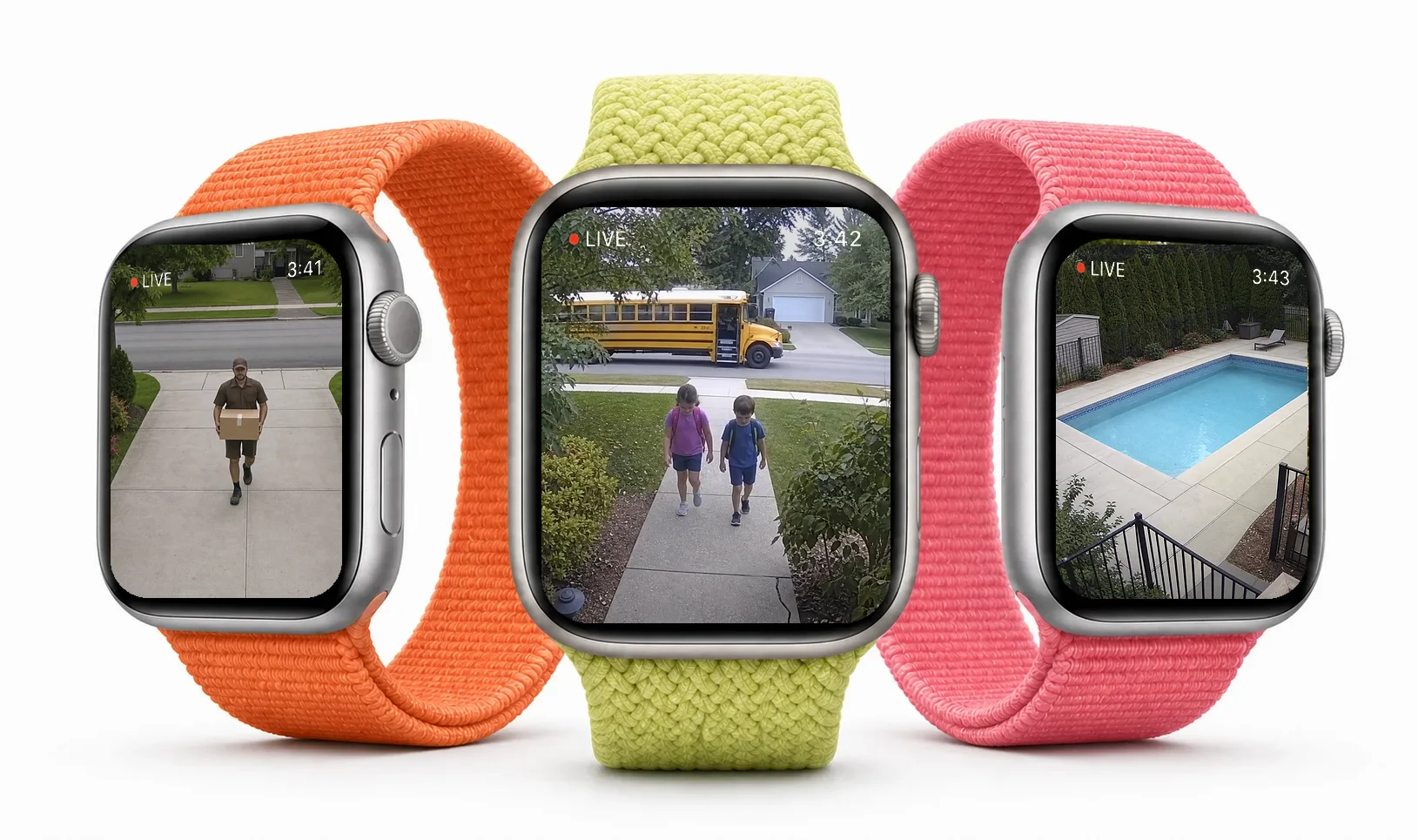
It’s the same idea as Video Wall Live, sized for a glance instead of a living room. You’re cooking, out for a run, or your phone is charging in another room, and someone’s at the door. Raise your wrist and look.
Every camera, live on your wrist
Open the app and your cameras are there, each with a live preview. Swipe between them and tap one to go live. Live view carries the camera’s audio, so you can hear what’s going on as well as see it.
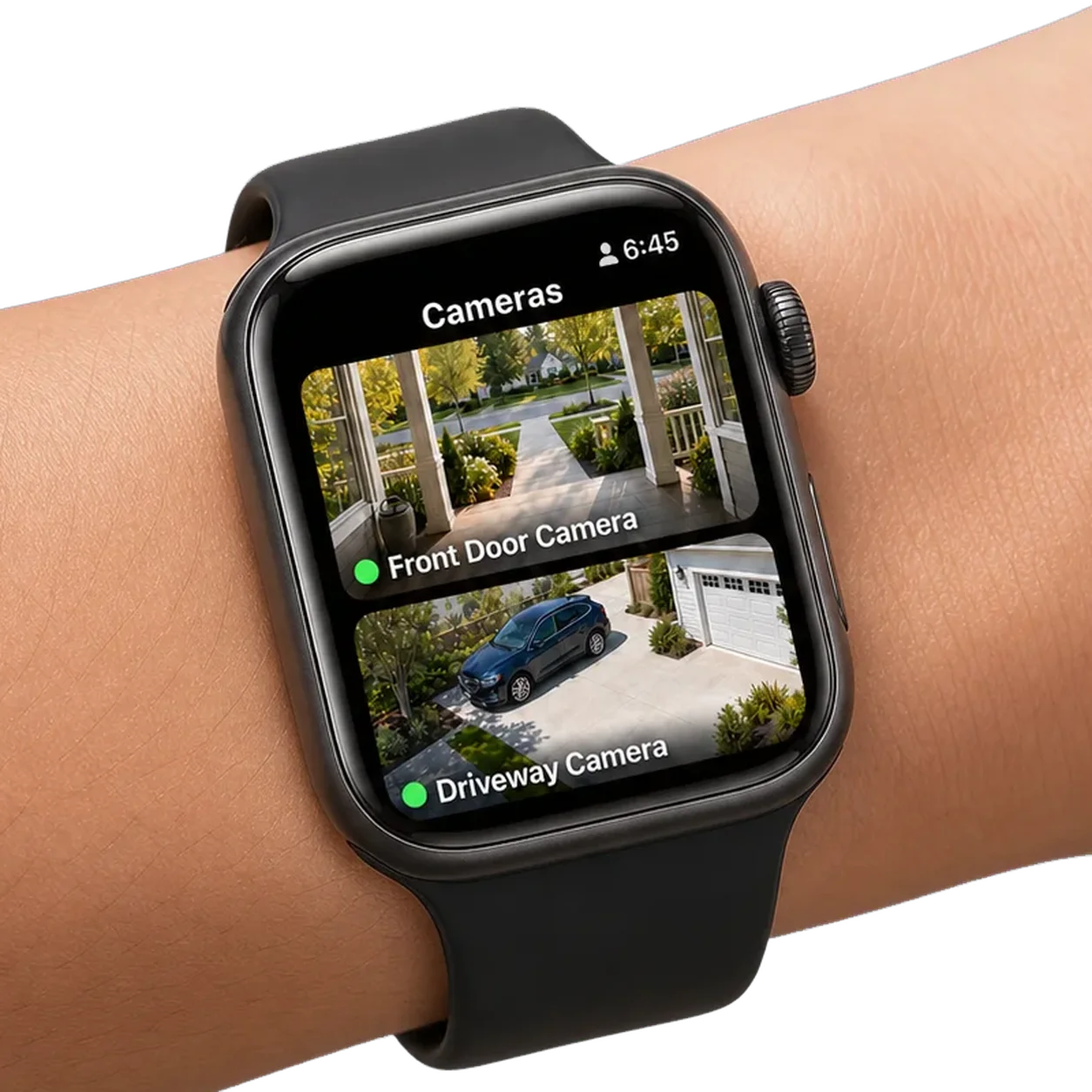
After the first sign-in, the watch doesn’t need your phone nearby. It streams over its own Wi-Fi or cellular connection, so it keeps working when the iPhone is somewhere else.
Alerts that open into video
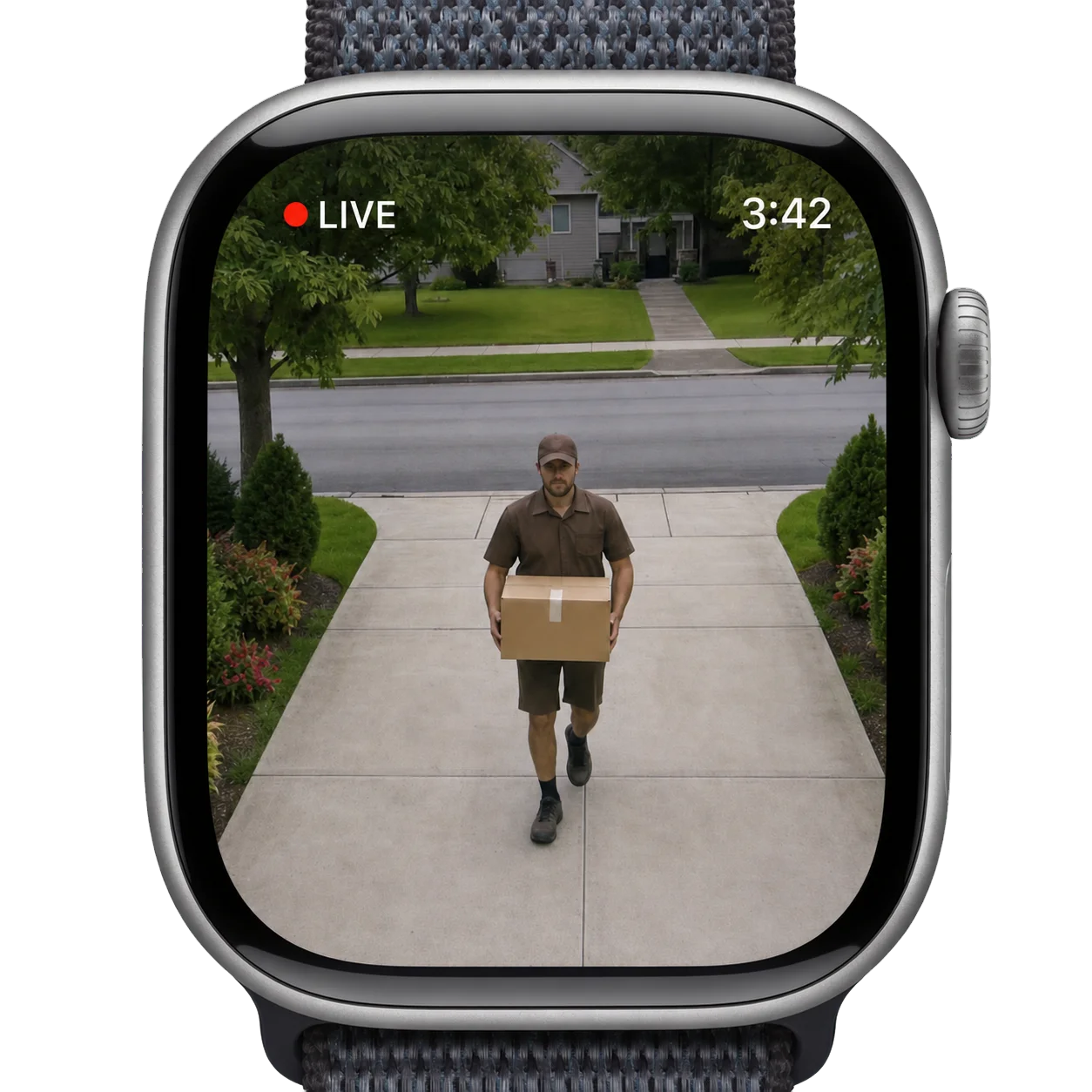
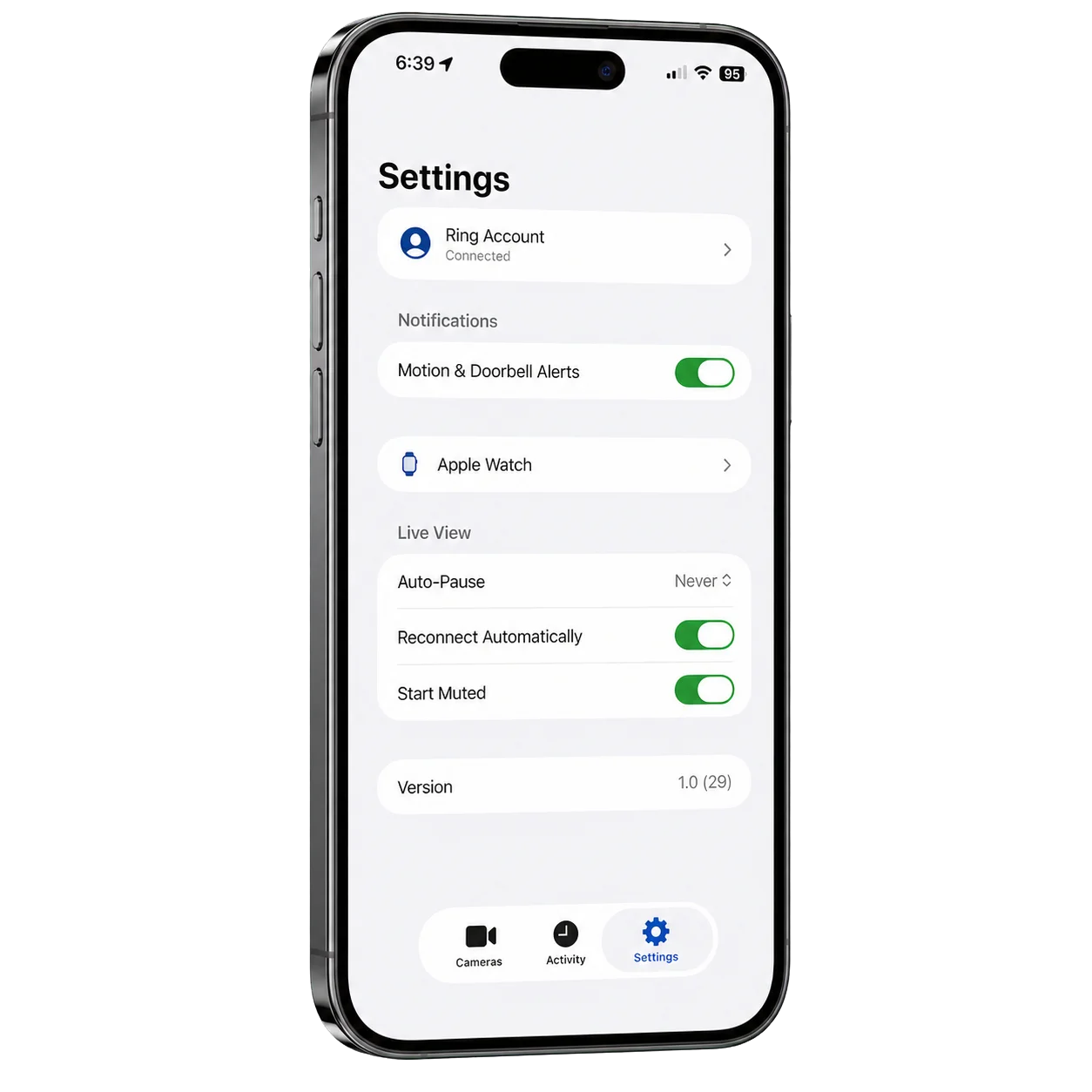
Turn on Motion & Doorbell Alerts in the iPhone app and they show up on your watch the way any notification does. Tap View Live and you’re looking at the camera that went off, without reaching for your phone.
Catch what you missed
The Recent list on the watch holds your latest motion and doorbell events. Tap one and its clip plays right there. On iPhone, the same history lives in the Activity tab.
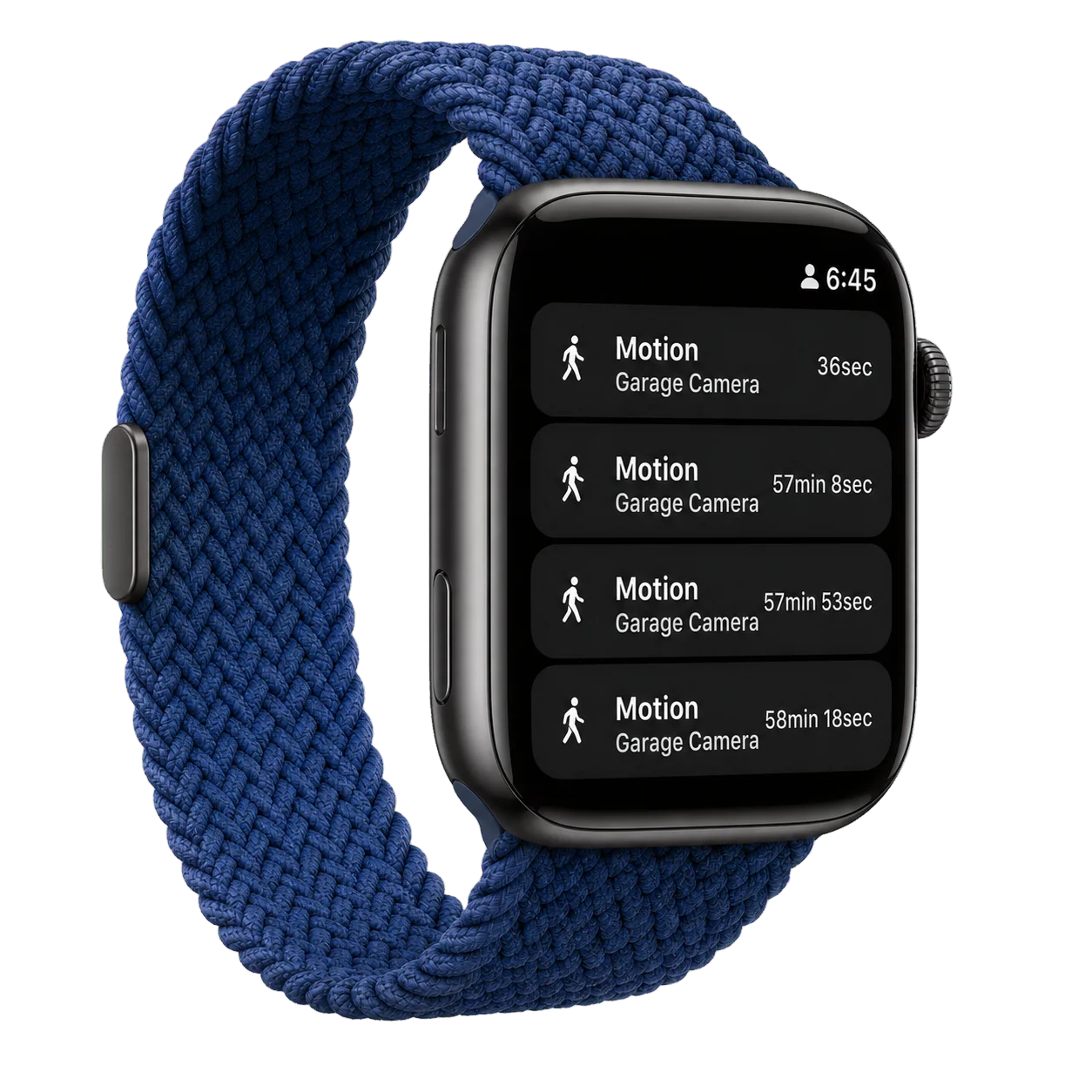
There are two watch face complications as well. Favorite Live opens your favorite camera’s live view in one tap, and Cameras opens the list.
Set it up on your iPhone
Setup happens once, on the phone. Sign in with your Ring account on Ring’s own page (we never see your password), and the watch picks up the sign-in the first time you open it. Alerts, live view, audio and your Ring account are all adjustable from the iPhone app’s Settings.
Privacy, same as the wall
An Apple Watch can’t play Ring’s video format directly, so our gateway converts each stream while you’re watching and discards it as it goes. We don’t record your video or keep it, and there are no ads and no tracking.
Pricing and what you need
Video Watch Live is $1.99/month per camera, with a 7-day free trial. It’s an add-on to your Ring subscription, so you pay only for the cameras you connect, and Ring handles billing on the card it already has. It’s a separate subscription from Video Wall Live, so you can have either one or both on the same Ring account.
- An iPhone on iOS 17 or later
- An Apple Watch on watchOS 10 or later
- An active Ring Protect plan
- A US Ring account, for now
Download Video Watch Live on the App Store or read more at videowatchlive.com.